
WPBakery Page Builder has been around for years, but it is far from standing still.
In 2026, WPBakery remains one of the most established WordPress page builders, and the platform has recently gone through a major update. WPBakery 9.0 introduced interface improvements, a redesigned backend, a new Button content module, and other usability and compatibility refinements. Version 9.0.1, released on August 5, 2026, followed with additional fixes for responsive options, inner elements, and backward compatibility. WPBakery also says its ecosystem includes 250+ addons.
That huge addon ecosystem is both a benefit and a challenge.
You have plenty of options for adding new content elements, improving page layouts, creating WooCommerce pages, managing advertisements, and extending WPBakery beyond its built-in features. But with hundreds of addons available, finding the ones actually worth installing can take time.
That’s why we’ve put together this list of the best WPBakery Page Builder addons for 2026.
We’ve included a mix of free and premium WPBakery extensions and prioritized tools that offer useful functionality, a clear purpose, or an advantage over installing several separate plugins.
Quick Comparison: Best WPBakery Addons
| Addon | Best For | Free/Premium | Standout Feature |
|---|---|---|---|
| Craft Addons | Lightweight, modern websites | Free + Pro | Cross-element features |
| Ultimate Addons | Large premium element collection | Premium | Wide range of content elements |
| Livemesh Addons | Design-focused websites | Free + Pro | 50+ styles |
| Classic Addons | Free element variety | Free | 24+ customizable elements |
| Mega Addons | Large free element collection | Free + Pro | 34+ elements |
| Advanced Ads for WPBakery | Ad management | Free addon | Native ad, group, and placement elements |
| WC Builder Pro | WooCommerce | Free + Pro | Visual WooCommerce page building |
What Are WPBakery Page Builder Addons?
WPBakery addons are plugins that extend the functionality of WPBakery Page Builder.
Instead of relying only on the elements included with WPBakery, you can install an addon to add new content elements, layout systems, animations, grids, WooCommerce controls, advertising features, template tools, and other functionality.
WPBakery was designed to be extendable, and its official ecosystem currently lists more than 250 addons from WPBakery and third-party developers.
The important thing is that not every addon solves the same problem.
A general-purpose element pack might be useful for a designer building landing pages. A WooCommerce addon may be much more valuable to an online store. And an advertising addon can be more useful to a publisher than another collection of animated buttons.
With that in mind, here are the best WPBakery addons to consider in 2026.
1. Craft Addons for WPBakery Page Builder
Best for: Lightweight, modern WPBakery websites
Pricing: Free + Pro
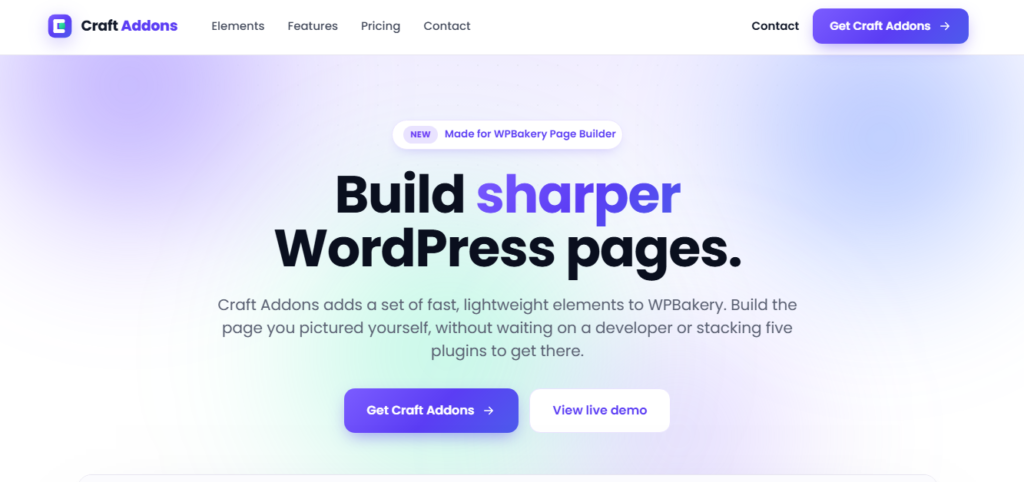
Craft Addons is a modern WPBakery addon collection built around a simple idea: give users useful elements and practical controls without forcing them to stack multiple specialized plugins.
The free version currently includes Icon Box, Counter, Single Testimonial, Flip Container, Info List, Logo Grid, and Team Member. Pro adds Image Scroller, Before / After, and Query Grid.
What makes Craft Addons different from a typical element bundle is that some of its features work across your entire WPBakery setup, not just on Craft Addons elements.
For example, Responsive Visibility lets you hide or show any element at different breakpoints, while Dynamic Content can pull live post data and custom-field values into element fields. Both are available in the free version.
The Pro version adds Scroll Animations, which can be applied to native WPBakery elements, Craft Addons elements, and third-party addon elements. It includes several entrance effects, per-element duration and delay controls, and uses CSS and Intersection Observer rather than an animation library.
Performance is another major focus. Craft Addons says a page loads only the CSS and JavaScript required by the elements being used rather than loading an entire asset library on every page.
That makes it a particularly interesting option for users who want additional WPBakery functionality without building their site around a massive collection of features they may never use.
Why choose Craft Addons?
Craft Addons is a strong choice when you want a focused set of modern WPBakery elements along with controls that can enhance the rest of your page-building workflow.
It’s especially useful for freelancers, agencies, and site owners who want to keep their WPBakery setup relatively lean while still having access to dynamic content, responsive visibility, and reusable design elements.
Our pick for: A lightweight, modern WPBakery addon with useful features beyond basic elements.
2. Ultimate Addons for WPBakery Page Builder

Best for: A broad collection of premium elements
Pricing: Premium
Ultimate Addons is one of the longest-running and best-known WPBakery extensions.
Developed by Brainstorm Force, the addon adds a collection of premium elements on top of the components already included with WPBakery. Its elements include Info Box, Info List, Flip Box, Counter, Interactive Banner, and icon-based content elements.
Its longevity is backed by a large user base. That continued maintenance matters. WPBakery itself notes that compatibility and functionality can vary among third-party addons, so an actively maintained extension is generally a better choice than an abandoned one, particularly after a major WPBakery update.
Why choose Ultimate Addons?
If you want a mature, established WPBakery extension with a large collection of content elements and a long history in the ecosystem, Ultimate Addons remains a solid option.
Our pick for: Users who want a proven premium WPBakery element pack.
3. Livemesh Addons for WPBakery Page Builder

Best for: Designers and agencies that want polished ready-made elements
Pricing: Free + Pro
Livemesh Addons takes a design-focused approach to WPBakery extensions.
Its collection covers common website-building needs such as services, team profiles, counters, charts, testimonials, clients, post grids, carousels, tabs, accordions, and pricing plans. The Pro version currently advertises more addons and styles.
One of Livemesh’s main advantages is its focus on ready-made styles. Rather than giving you another collection of barebones elements that require extensive customization, it provides predefined designs that can be adapted to different types of websites.
The plugin also includes controls to enable or disable addon elements, which can help keep your WPBakery interface more manageable.
Why choose Livemesh?
It’s a good fit for designers who want a broad set of professional-looking elements without having to build every component from scratch.
The one thing to keep in mind is that its WordPress.org version has not seen the same pace of 2026 updates as some newer plugins on this list, so it’s worth testing the version you plan to use with your particular WPBakery setup. WordPress currently lists version 3.9.4 as the free release.
Our pick for: Design-focused websites that benefit from ready-made styles.
4. Classic Addons – WPBakery Page Builder
Best for: Free addon variety
Pricing: Free
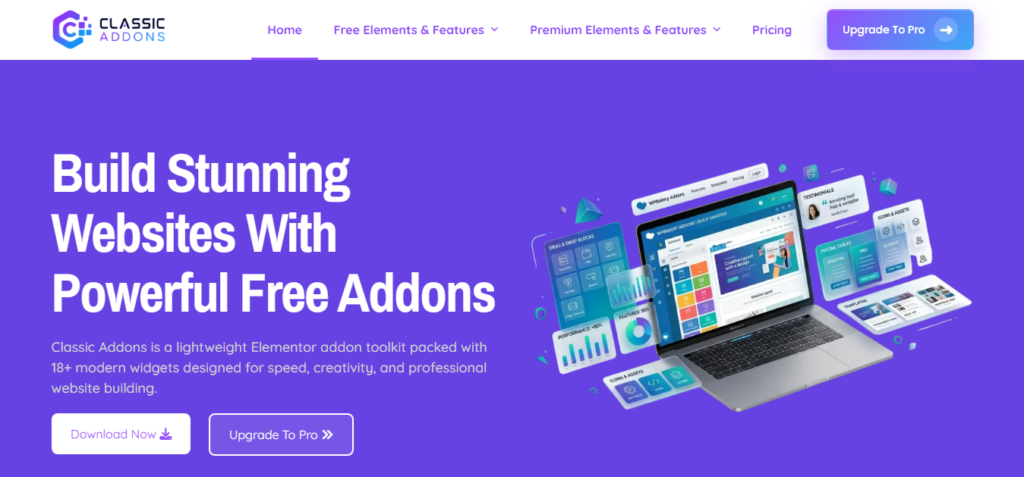
Classic Addons is one of the more interesting free WPBakery extensions for users who want a growing library without immediately paying for a premium addon.
The plugin currently offers 24+ customizable design elements, with an option to enable or disable individual modules. Its library includes Info Box, Info Table, Count Up, Testimonial Slider, Testimonial Grid, Interactive Banner, Flip Box, Logo Carousel, Animated Heading, Filterable Portfolio, Accordion, Tabs, Progress Bar, Team Member Profile, and more.
The plugin has also received new functionality during 2026. Version 4.1 added Post Grid, Pricing Table, Image Hotspots, and Countdown Timer, along with features such as responsive column controls, filtering, pagination, style presets, and on-demand asset loading.
WordPress.org currently shows 3,000+ active installations and testing up to WordPress 7.1, making it one of the more current free options in this roundup.
Why choose Classic Addons?
It’s particularly appealing when you want several additional WPBakery elements without committing to a premium addon.
The ability to enable or disable individual modules is also useful if you want more control over which features are active on your website.
Our pick for: Users looking for a free and actively developed WPBakery addon bundle.
5. Mega Addons for WPBakery Page Builder

Best for: A large collection of free elements
Pricing: Free + Pro
Mega Addons is another familiar name in the WPBakery ecosystem.
The plugin offers 34+ elements and addons, including advanced carousels, team members, info banners, image hover effects, interactive banners, pricing tables, timelines, counters, buttons, countdowns, modal popups, testimonials, accordions, and more. Individual elements can be enabled or disabled from the plugin’s controls.
Its large library is the main reason to consider it. Rather than installing several small WPBakery extensions for individual design components, you can get a broad selection from a single plugin.
However, there is an important consideration for 2026.
The current public listing shows the plugin was last updated in January 2024 and is listed as tested up to an older WordPress version. Its WordPress.org support forum also contains recent discussions raising compatibility and maintenance concerns.
That doesn’t automatically make Mega Addons unusable, but it does mean you should test it carefully before deploying it on a production website running the latest WordPress and WPBakery versions.
Why choose Mega Addons?
Its large collection can still be useful when you want many WPBakery elements in one package.
Just make compatibility and maintenance part of your evaluation rather than choosing it based purely on the number of elements.
Our pick for: Users who prioritize a large free collection and are willing to test compatibility.
6. Advanced Ads for WPBakery Page Builder
Best for: Websites that rely on advertising
Pricing: Free addon
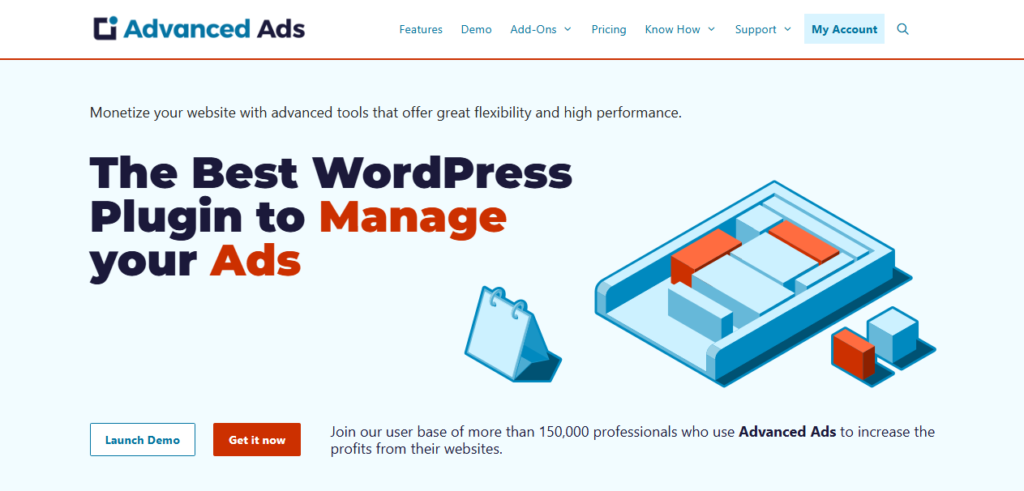
Advanced Ads for WPBakery isn’t a traditional element collection.
Instead, it integrates the Advanced Ads ad management plugin with WPBakery, adding three dedicated elements to the WPBakery editor:
- Advanced Ads – Ad
- Advanced Ads – Group
- Advanced Ads – Placement
The addon is available as a free download and is designed to make it easier to place existing Advanced Ads configurations directly within WPBakery layouts.
This makes it particularly useful for publishers who already use Advanced Ads or need more control over how advertisements are placed within custom WPBakery pages.
Instead of inserting ad shortcodes manually into generic content elements, you can work with dedicated WPBakery components designed for that purpose.
Why choose Advanced Ads?
Because not every WPBakery site needs more design widgets.
For publishers, blogs, magazines, and other ad-supported websites, dedicated advertising controls can be considerably more valuable than another collection of animated buttons or image effects.
Our pick for: Publishers and websites using WPBakery alongside Advanced Ads.
7. WC Builder Pro – WooCommerce Page Builder for WPBakery
Best for: WooCommerce stores using WPBakery
Pricing: Free + Pro
WooCommerce is one area where a general WPBakery addon pack may not be enough.
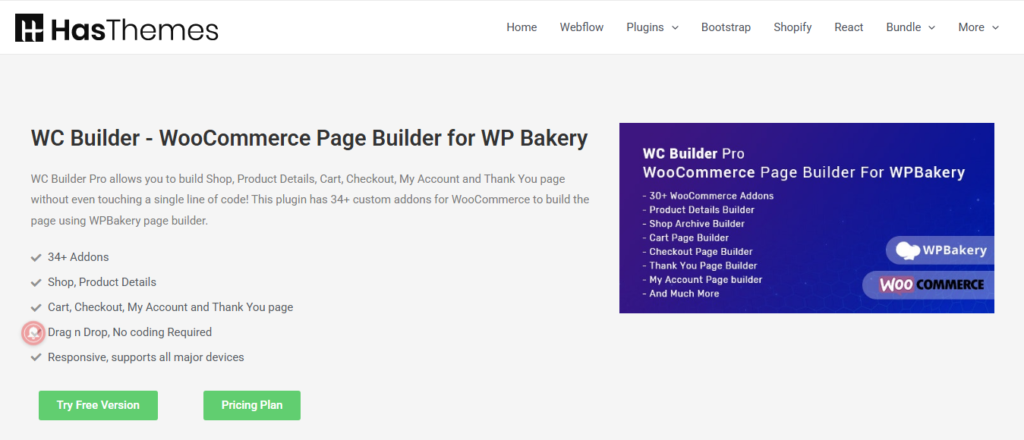
WC Builder is designed specifically for WooCommerce. The free version provides a basic WooCommerce template builder, product and archive layouts, 15+ addons, and additional controls for product presentation. The Pro version adds cart, checkout, thank-you, and My Account page builders, category-specific layouts, individual product layouts, floating and sticky cart options, and 34+ WooCommerce addons.
This makes it possible to customize major parts of a WooCommerce store using the WPBakery interface rather than relying entirely on the layouts provided by your theme.
And unlike some older WooCommerce-focused WPBakery addons, WC Builder is still receiving updates. Its latest WordPress.org release, version 1.2.3, was published on August 25, 2026 and includes compatibility testing for WordPress 7.1. An update earlier that month also added compatibility improvements for the latest WPBakery version.
Why choose WC Builder Pro?
If you’re building an online store with WPBakery, specialized WooCommerce controls can be far more useful than another generic collection of content elements.
Our pick for: WooCommerce websites that need deeper WPBakery page customization.
Free vs. Premium WPBakery Addons: Which Should You Choose?
You don’t necessarily need a premium WPBakery addon.
Free options such as Craft Addons, Classic Addons, Mega Addons, and Livemesh’s free version can provide plenty of additional functionality for many websites.
Premium addons become more attractive when you need larger element collections, additional design controls, specialized functionality, or premium support.
But don’t choose an addon simply because it advertises the largest number of elements.
A plugin with 100 features isn’t automatically better than one with 10 well-designed features that you actually use. In some cases, installing a huge addon package for one or two elements simply adds unnecessary complexity.
A better approach is to identify what your website needs first and then choose the addon that solves that specific problem.
How to Choose the Best WPBakery Addon
Before installing a WPBakery extension, consider these five factors.
1. Does it solve a real problem?
Don’t install an addon just because its feature list looks impressive.
Start with what you actually need: additional design elements, productivity features, better responsive controls, WooCommerce layouts, advertising tools, or dynamic content in WPBakery.
2. Is it actively maintained?
This is especially important in 2026.
WPBakery 9.0 and 9.0.1 introduced significant changes and fixes, so compatibility should be part of your decision. Check the plugin’s changelog, recent release date, WordPress compatibility, and WPBakery compatibility before installing it.
3. Does it load unnecessary assets?
More features don’t automatically mean better performance.
Look for addons that let you disable unused modules or load assets selectively. For example, Craft Addons says it loads only the CSS and JavaScript required by the elements used on a page, while Classic Addons and Mega Addons also provide controls intended to limit unnecessary modules or assets.
4. Will you use most of the elements?
A large addon pack can be convenient, but it can also introduce dozens of features you’ll never use.
If you only need a few additional components, a smaller and more focused addon may be the better choice.
5. Does it fit your workflow?
Different users need different things.
A freelancer may want fast, reusable design elements. An agency may prioritize consistency and performance. A WooCommerce store may need product and checkout controls. A publisher may care more about advertising integration.
Choose the addon based on how you actually build websites.
How to Install a WPBakery Addon
Installing a WPBakery addon is similar to installing any other WordPress plugin.
First, make sure WPBakery Page Builder is installed and activated. WPBakery’s documentation explains that its addons require the original WPBakery Page Builder plugin.
Then:
- Download the addon or find it in the WordPress plugin directory.
- Go to WordPress Dashboard → Plugins → Add New.
- Search for the plugin or upload its ZIP file.
- Install and activate the addon.
- Open a WPBakery page and look for the new elements or controls.
Premium addons may also require a license key or account activation after installation.
Are WPBakery Addons Worth It in 2026?
Yes, as long as the addon provides functionality you actually need.
WPBakery continues to maintain a large addon ecosystem, with more than 250 addons, while the core builder itself received its 9.0 release in July 2026 and version 9.0.1 shortly afterward.
The right WPBakery extension can help you create more sophisticated layouts, add specialized functionality, and reduce the amount of custom development required for common tasks.
The key is avoiding addon overload.
Installing several plugins simply to get a handful of features can make your site harder to maintain. A well-chosen addon that covers multiple genuine requirements may be a better long-term solution.
Which WPBakery Page Builder Addon Should You Choose?
There isn’t one perfect WPBakery addon for every website.
Craft Addons is a strong choice when you want lightweight, modern elements plus cross-element controls such as responsive visibility and dynamic content. Ultimate Addons is a proven premium option with a long track record and a large user base. Livemesh is a good fit for designers who want polished elements and ready-made styles, while Classic Addons is an interesting free option with active 2026 development.
Mega Addons offers a large collection of free elements, although its older update history means compatibility should be tested carefully. Advanced Ads makes more sense for publishers that need advertising functionality, while WC Builder Pro is the most specialized choice here for WooCommerce stores.
Ultimately, the best WPBakery extension is not necessarily the one with the longest feature list. It’s the one that gives you the functionality you need, remains compatible with your current WordPress and WPBakery setup, and doesn’t add unnecessary complexity to your website.
With WPBakery continuing to evolve in 2026, it’s also a good time to review the extensions you already use. Remove outdated addons you no longer need, check compatibility after major updates, and choose actively maintained tools for new projects.